Full-page bilingual translation
In one line: translations are inserted after each original paragraph, load as you scroll, and one more click restores the original. Shadow DOM / Web Components pages are supported.
Where to start
- Popup:
Alt+1→ Translate page → "Translate this page / Show original" - Context menu: right-click an empty spot → "Translate this page (click again to restore the original)"
- Floating dock: hover the right edge → "Translate this page / Show original"
- Shortcut: "Toggle page translation" has no default key — bind one at
chrome://extensions/shortcuts - Automatic: add your go-to sites to "Always translate this site" and they translate on open
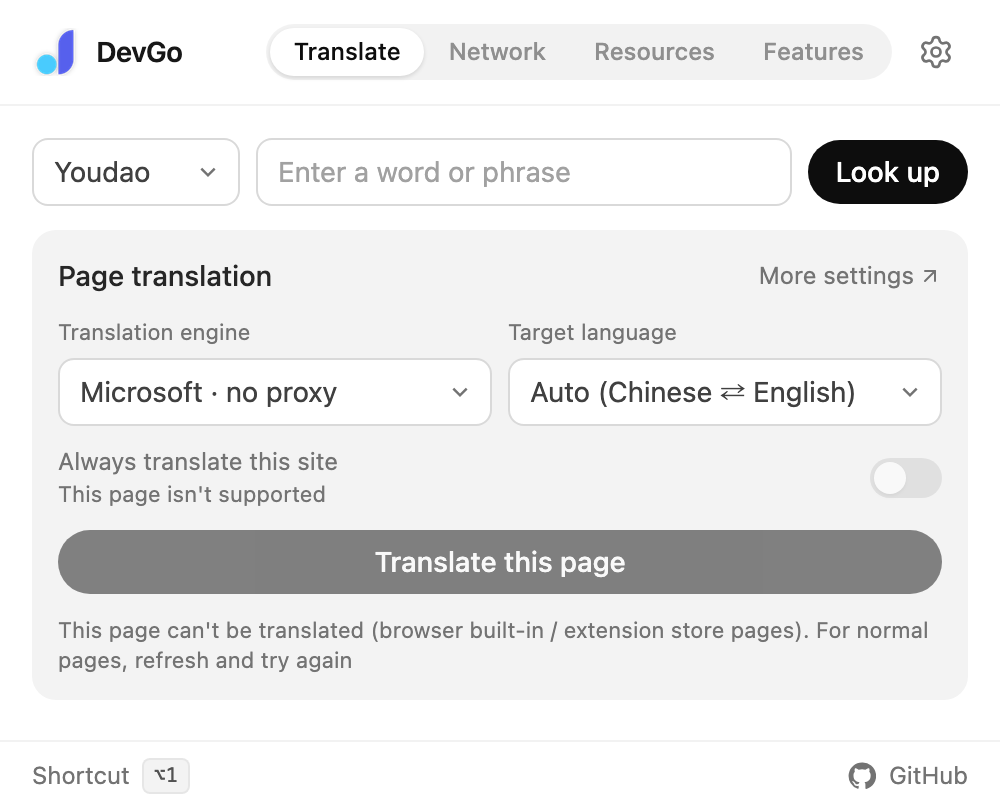
The popup's Translate page: engine, target language, and "Always translate this site".
Translation engines
| Engine | Notes |
|---|---|
| Microsoft · no proxy | Default. Free, reachable without a proxy |
| Great quality, needs a proxy | |
| AI model | Translate with your own LLM for control over tone and terminology; configure a translation model under AI models |
Target language defaults to "Auto (Chinese ⇄ English)": Chinese pages are translated to English, everything else to Simplified Chinese. You can also fix it to any of 17 languages.
Display
Under Settings → Translation → Page translation:
- Bilingual (default): translations follow each original paragraph
- Translation only: hide the original for a cleaner read
- Underline translations: dotted underline to tell translations apart at a glance
Hover translation
Don't want the whole page translated? Enable hover translation under Settings → Translation and translate one paragraph at a time:
| Mode | How it works |
|---|---|
Press Alt / Ctrl / Shift | Point at a paragraph, press the modifier once to translate, again to restore (default Alt; ⌥ on macOS) |
| Auto after hovering | Hover over a paragraph briefly to translate it |
Always translate this site
Add sites you read often — developer.mozilla.org, for example — and they translate automatically on open. You can also toggle the current site from the popup's Translate page.
Notes
- Browser built-in pages (
chrome://URLs) and the extension store can't be translated; on normal pages, refresh once if translation doesn't kick in right after install - Long pages translate on demand: failed paragraphs get a ↻ to retry individually
- With an AI model as the engine, prefer a fast model without deep thinking (glm-4-flash, qwen-turbo) — full-page translation stays responsive
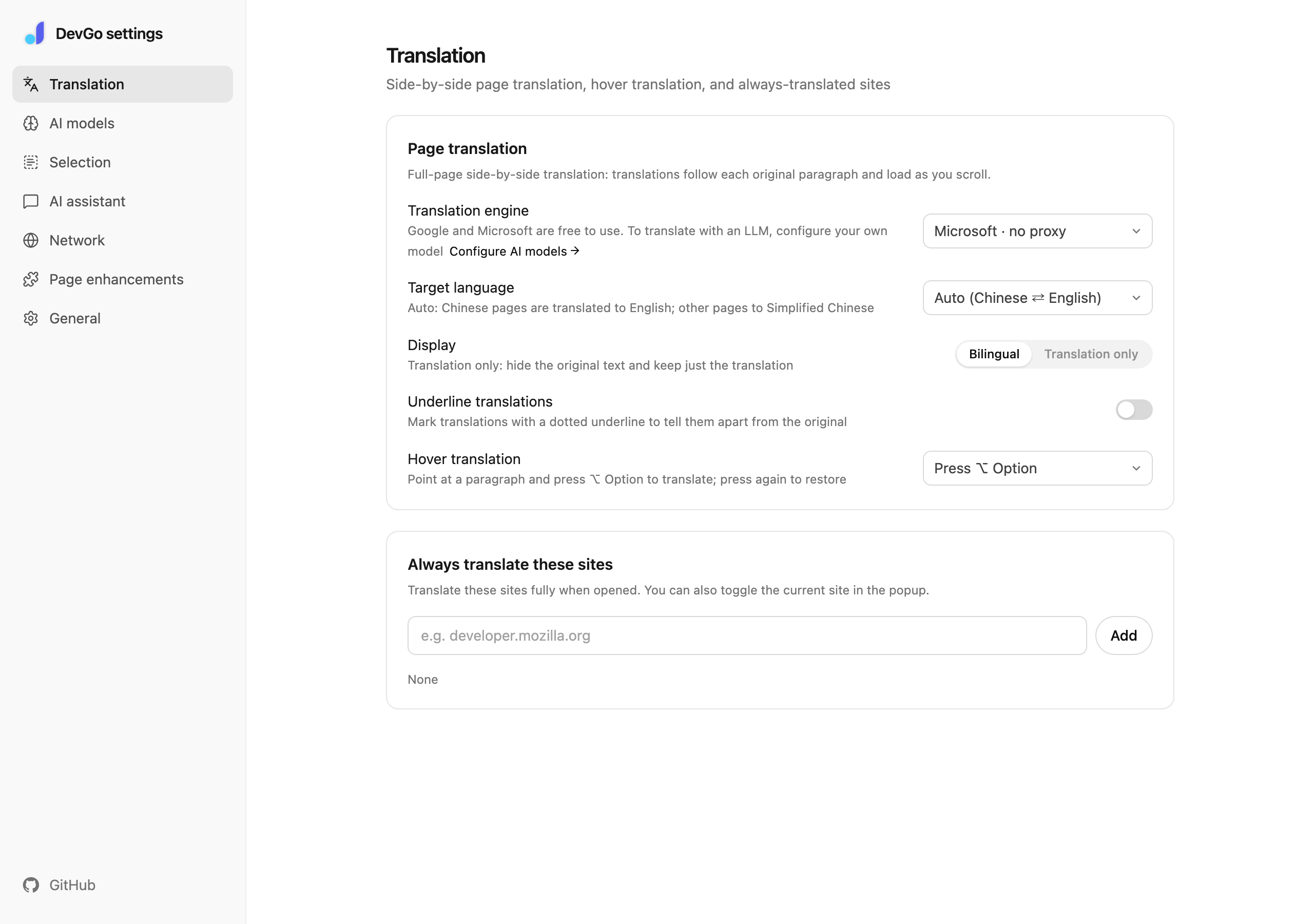
Settings → Translation: display, underline, hover translation, and "always translate" sites.