AI assistant
In one line: a side panel AI assistant (Alt+2 to open / close) that summarizes the page, extracts key points, and answers questions about it — it reads the page content itself. "Ask AI" from the selection toolbar brings your selection here too.
Opening it
- Shortcut
Alt+2(⌥2on macOS); press again to close - Popup's Features page → AI assistant → "Open"
- Floating dock → "AI assistant" or "AI summary"
WARNING
Alt+2 is Chrome-only; Firefox controls side panels itself — open it from the popup or the floating dock there.
Quick actions
Three quick actions sit at the top of the panel, each preloaded with the current page:
| Action | What it does |
|---|---|
| Summarize this page | One- or two-sentence overview, then the key points |
| Key points | Conclusions, data, steps, caveats — as a list |
| Explain this page | What the page is about, who it's for, what's worth attention |
Chatting
- The assistant reads the current page's content itself (including Shadow DOM pages) — no copy-pasting
- Answers stream in; expand reasoning to see the thinking
- "Ask AI" from the selection toolbar brings the selection in as a quote; remove it above the input box
- When the page provides WebMCP tools, the AI can call them and act on the page (see Page tools); runs show up as cards in the conversation
Input box: Enter to send, Shift + Enter for a newline; click "Stop" while generating.
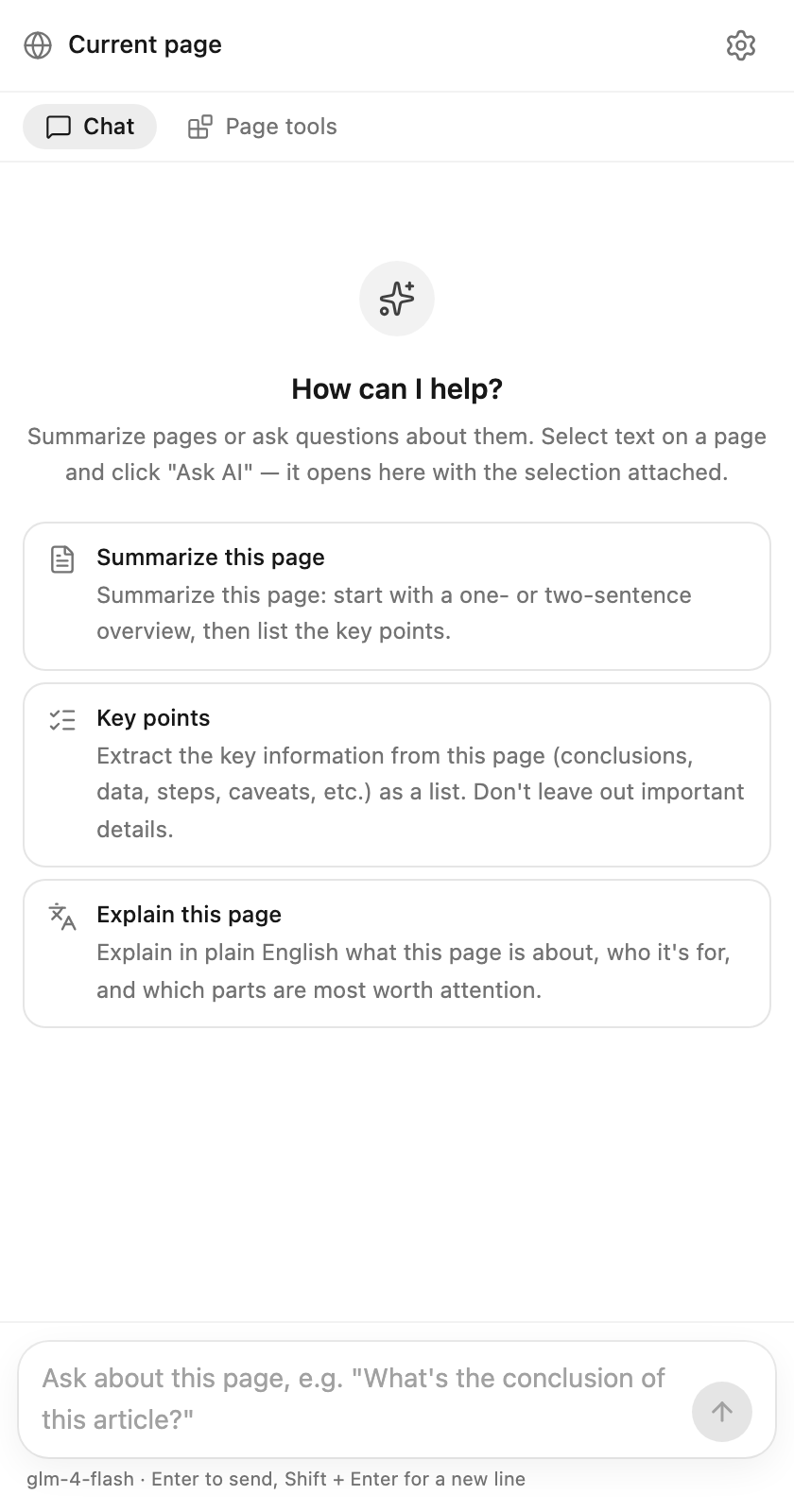
The side panel assistant: quick actions on top, chat about the current page below.
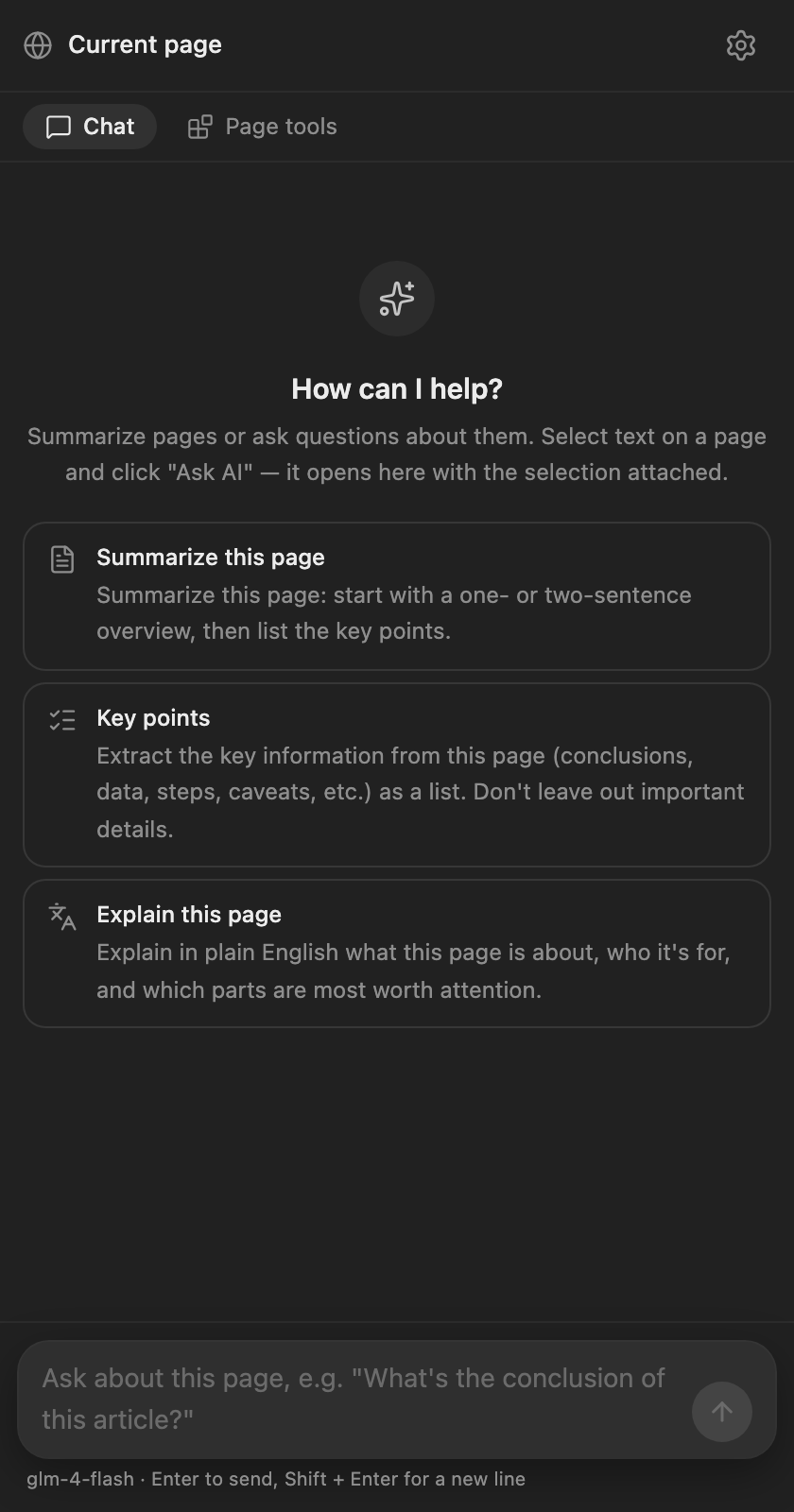
The side panel in dark theme.
Model configuration
The assistant uses the chat model (configured separately from the translation model) — pick a strong model with tool calling. "Settings" at the top right of the panel jumps to the config, where you can also append custom instructions (e.g. "keep answers short").
Notes
- Without a model, the input box says "Configure a chat model in settings first"
- Browser built-in pages (
chrome://URLs) can't be read; pages opened before the extension was installed need one refresh