General & appearance
In one line: theme, UI language, the popup's default page, shortcuts, sync, and backup — all under Settings → General.
Appearance
- Theme: Light / Dark / Auto. Auto goes dark from 18:00 to 6:00; applies to the popup, settings, side panel, and new tab together
- UI language: Follow browser / Chinese / English. Switching takes effect immediately — open pages included, no refresh needed. The extension's name and shortcut descriptions follow the browser's own language (they come from the manifest, which manual switching can't override)
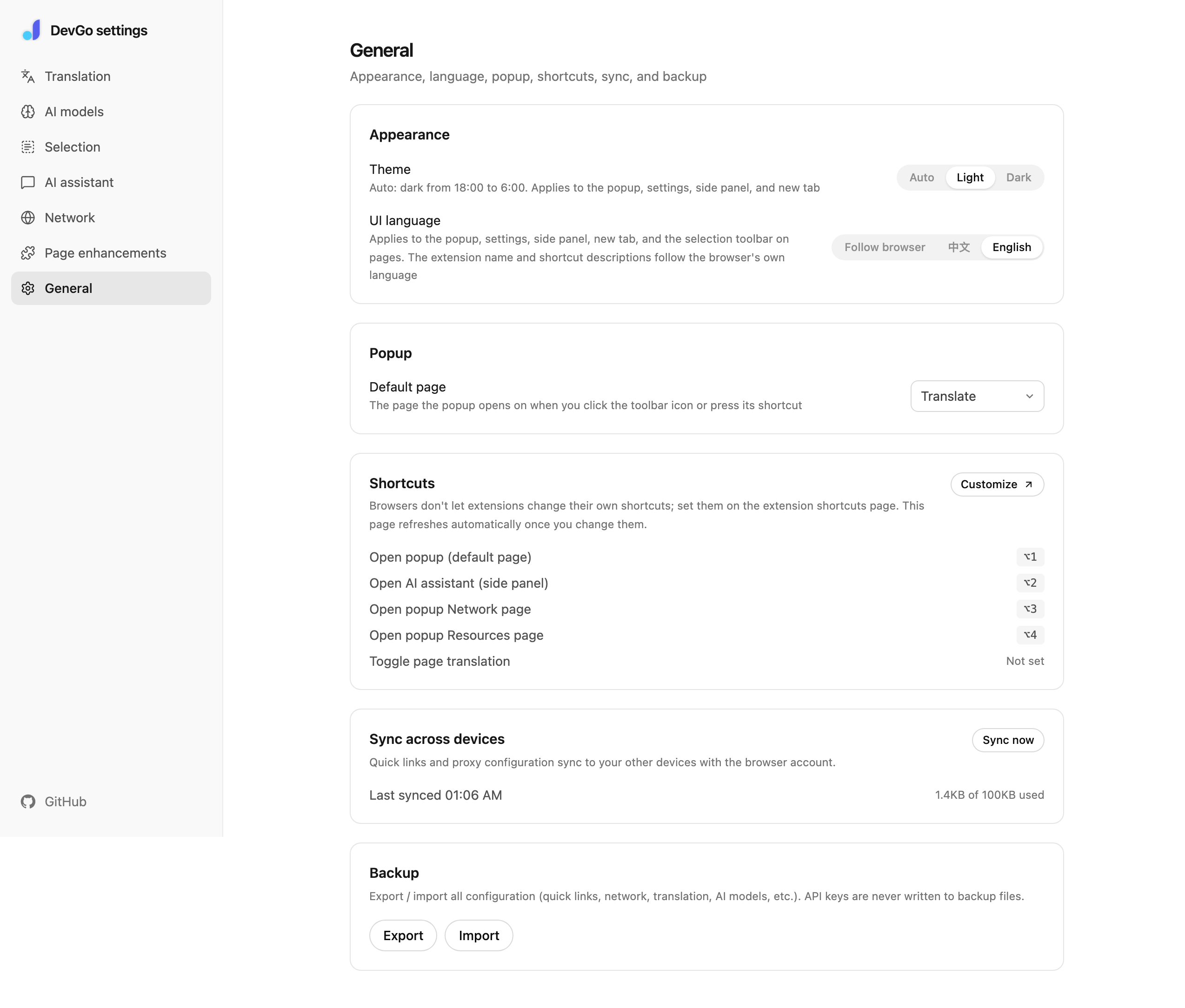
Settings → General: appearance, language, shortcuts, sync, and backup.
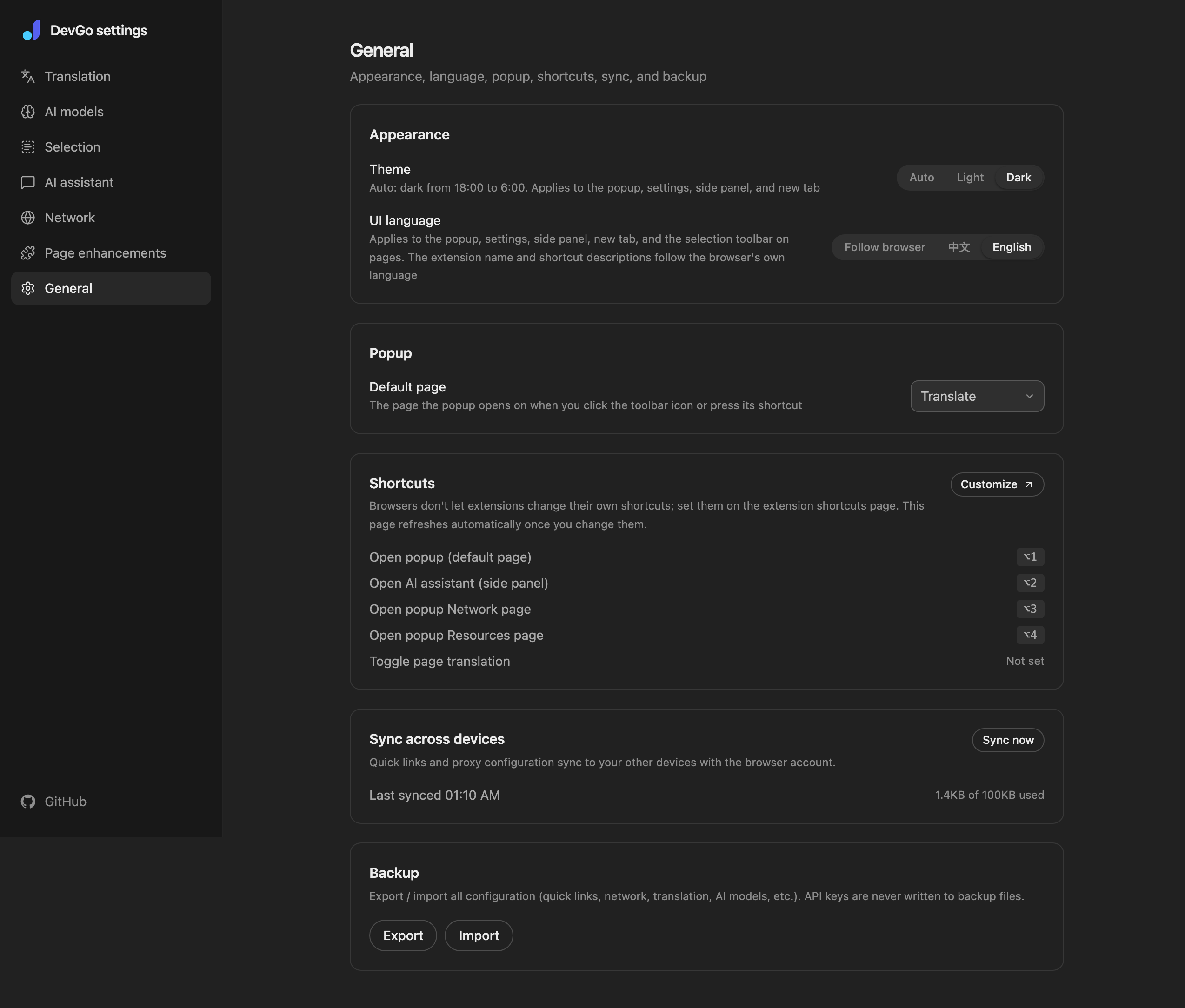
General settings in dark theme.
Popup
Default page: which page the popup opens on when you click the toolbar icon or press Alt+1 (Translate / Network / Resources / Features). Network and Resources also have dedicated shortcuts, Alt+3 and Alt+4.
Shortcuts
| Command | Default key |
|---|---|
| Open popup (default page) | Alt+1 |
| Open AI assistant (side panel) | Alt+2 (Chrome only) |
| Open popup Network page | Alt+3 |
| Open popup Resources page | Alt+4 |
| Toggle page translation | Not bound; bindable |
Browsers don't let extensions change their own shortcuts:
- Chrome / Edge: change them at
chrome://extensions/shortcuts; this page refreshes the display once you're back - Firefox:
about:addons→ gear icon at the top right → "Manage Extension Shortcuts"
Sync across devices
Quick links and proxy configuration sync to your other devices with your browser account (Chrome caps sync storage at 100KB; usage is shown here). "Sync now" triggers a manual run and shows the last sync time.
Backup
Export writes a JSON file with all settings (quick links, network, translation, AI models, selection actions, and the rest); Import restores it. API keys are never written to backup files and need re-entering after a move. See Backup & sync.