Proxy & rule-based routing
In one line: Direct / System proxy / Auto / Global proxy in one click, plus custom proxy modes — each mode keeps its own proxy server and bypass list.
The four network modes
| Mode | Behavior |
|---|---|
| Direct | No proxy |
| System proxy | Use system settings |
| Auto | Rule-based: matched sites go through the proxy, the rest follow your default |
| Global proxy | Everything goes through the proxy |
Entry points: the popup's Network page (Alt+3) to switch quickly; Settings → Network for full configuration.
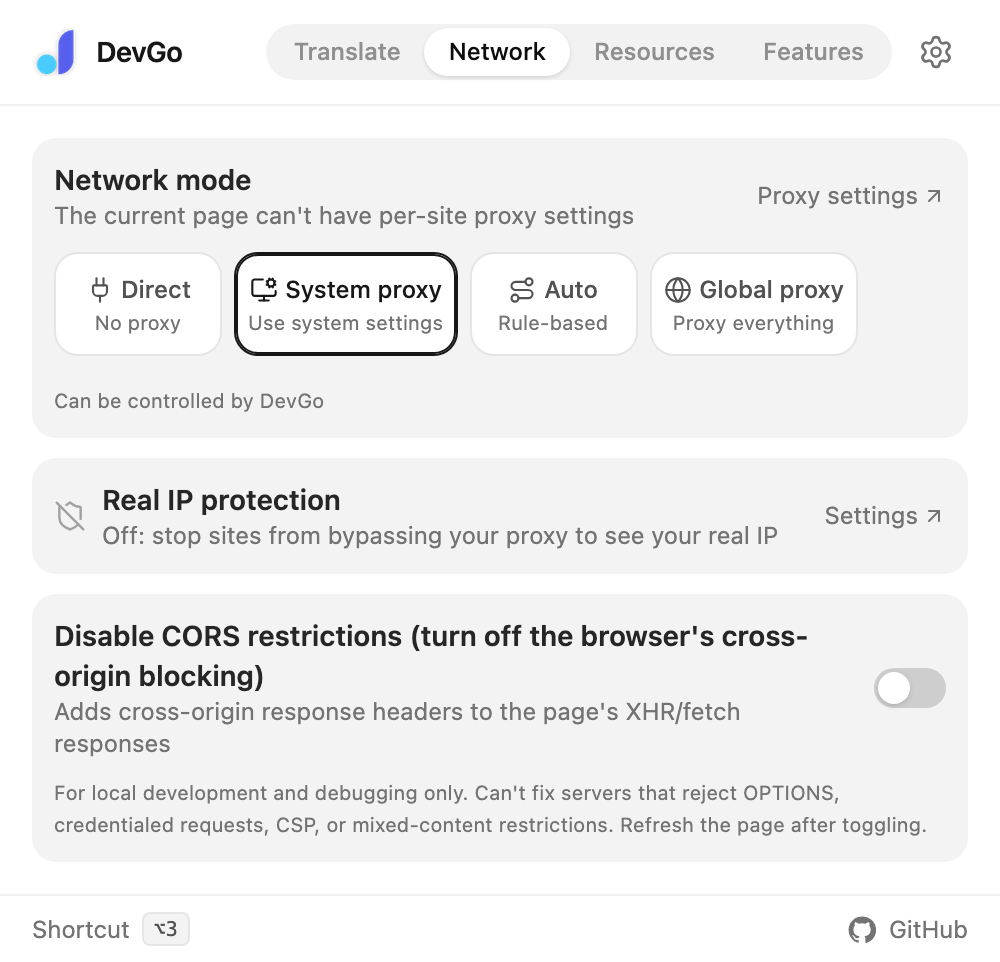
The popup's Network page: switch modes in one click; set the current site to direct or proxied at the bottom.
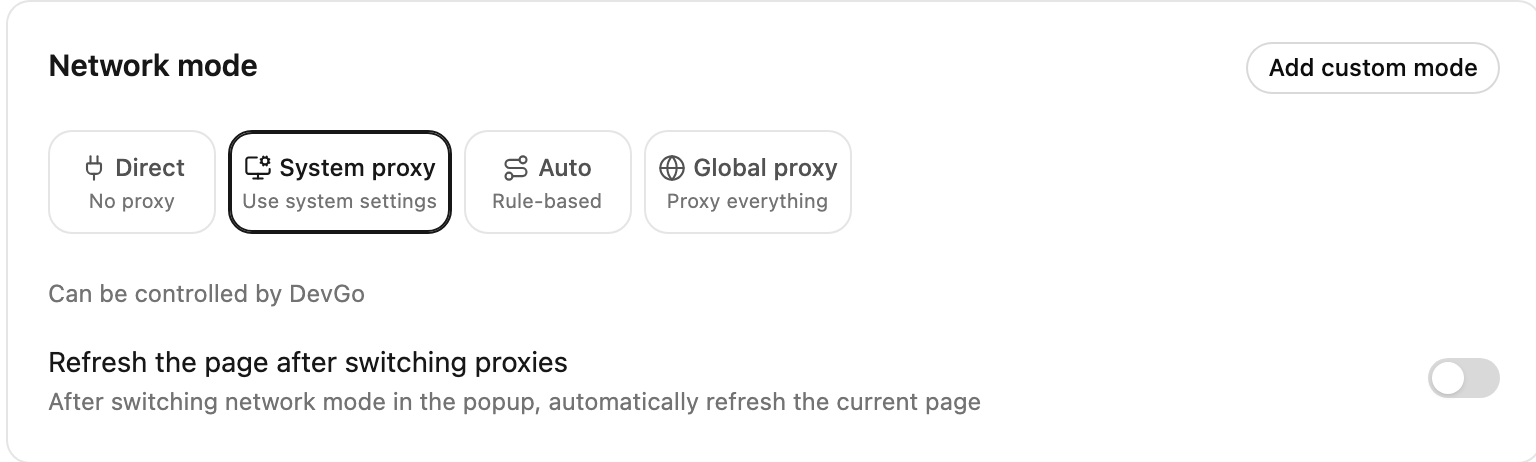
Settings → Network mode: switch among the four modes.
Per-site shortcuts
At the bottom of the popup's Network page:
- Direct on this site: route one site around the proxy (a domestic site that misbehaves through your proxy, say)
- Proxy this site: route only the current site through the proxy (same effect as adding it to custom proxy domains in Auto — it takes priority over the rule list)
How Auto works
Auto = rule list + custom proxy domains + a default for unmatched traffic:
- Rule list: AutoProxy / GFWList format. When enabled, matched sites go through the proxy; updated automatically every 6 hours, or manually via "Update / Download"
- Custom proxy domains: sites that need the proxy but aren't in the rules — one domain per line, subdomains included
- When no rule matches: defaults to "Direct" (only matched sites use the proxy). If your proxy app handles its own routing, switch to "Proxy" — everything goes through except the bypass list, LAN, and
.cndomains
With no rules and no custom domains, Auto is equivalent to Direct.

The "Proxy configuration" card — Direct and System proxy need no configuration; switch to Auto, Global proxy, or a custom mode to configure the proxy server, rule list, and bypass list here. (Screenshot shows the Chinese UI; an English version is pending.)
Custom proxy modes
Beyond the built-ins, "Add custom mode" lets you name different proxy servers ("Work", "Home") and switch between them in one click. Each mode keeps its own proxy server (scheme / host / port) and bypass list.
Notes
- Proxy server and bypass list changes need "Save and apply"; the rule list, proxy domains, and real IP protection take effect immediately
- The proxy config bar sticks to the bottom, highlights unsaved changes, and confirms before you leave
- Turn on "Refresh the page after switching proxies" so the current page reloads after a mode switch — no half-old connections
- Once DevGo controls the proxy, the browser's extension card shows "Controlled by DevGo"; if it says another extension controls it, disable that extension first
- Firefox isn't supported yet (a Chromium-specific API limitation) — see the FAQ
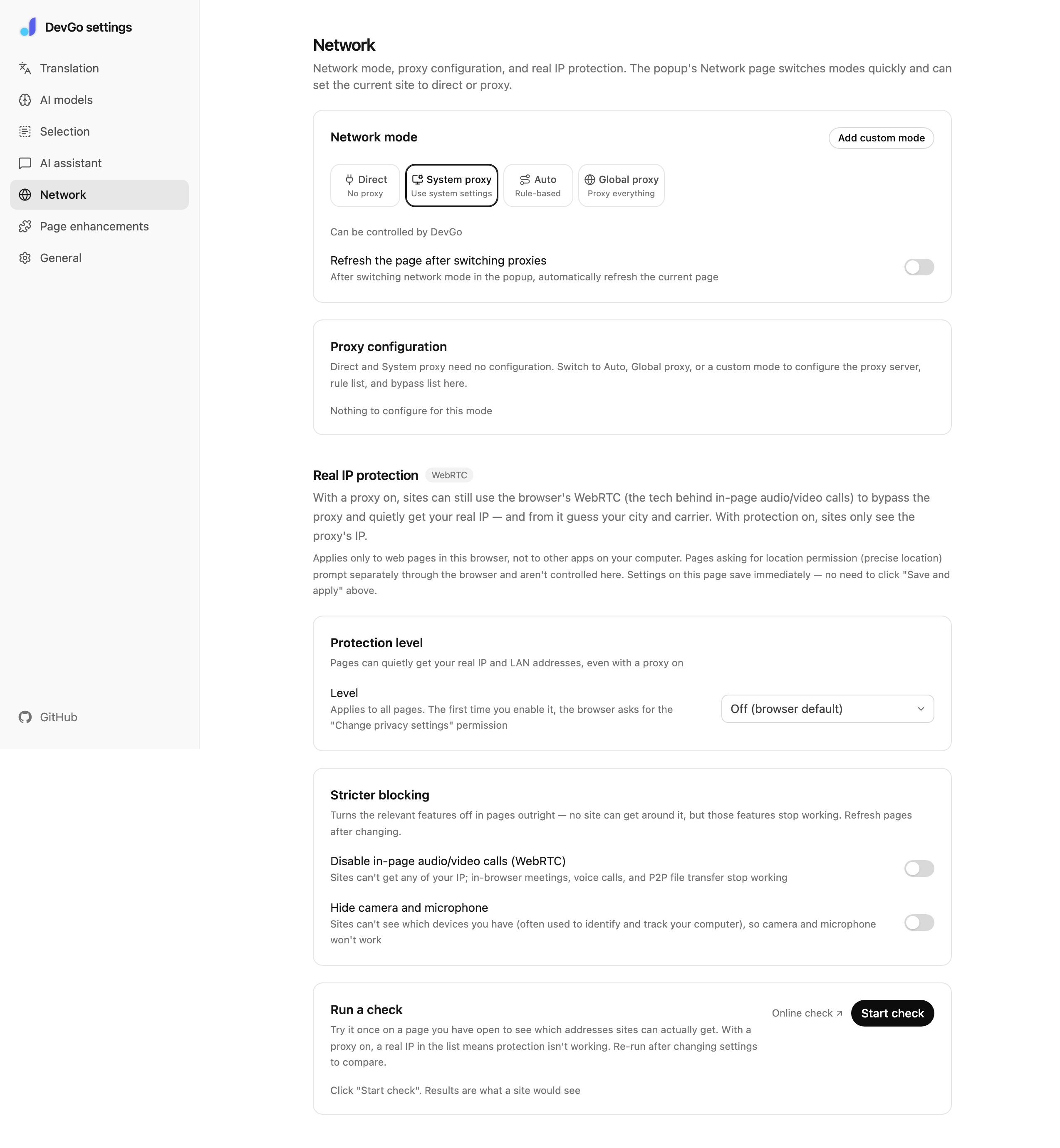
Settings → Network: proxy configuration, the rule list, and real IP protection, all on one page.