GitHub enhancements
In one line: floating buttons on GitHub code pages (edit online, DeepWiki, back to top), , to open the repo in github1s, and GitHub code blocks that browser translation leaves alone.
Toggle the whole thing under Settings → Page enhancements → "GitHub enhancements".
Floating buttons
Open any repo's code pages (repo root, directory, or file) and a column of buttons appears at the bottom right:
| Button | What it does |
|---|---|
| Edit online | Opens the current repo and path on github1s — a VS Code-style web code browser, faster than github.dev |
| DeepWiki | Opens the repo on deepwiki.com for AI-generated docs: architecture and module walkthroughs, a fast way into an unfamiliar project |
| Back to top | Appears after you scroll down a bit |
Issues, Pull Request, Actions, and other sub-pages stay button-free.
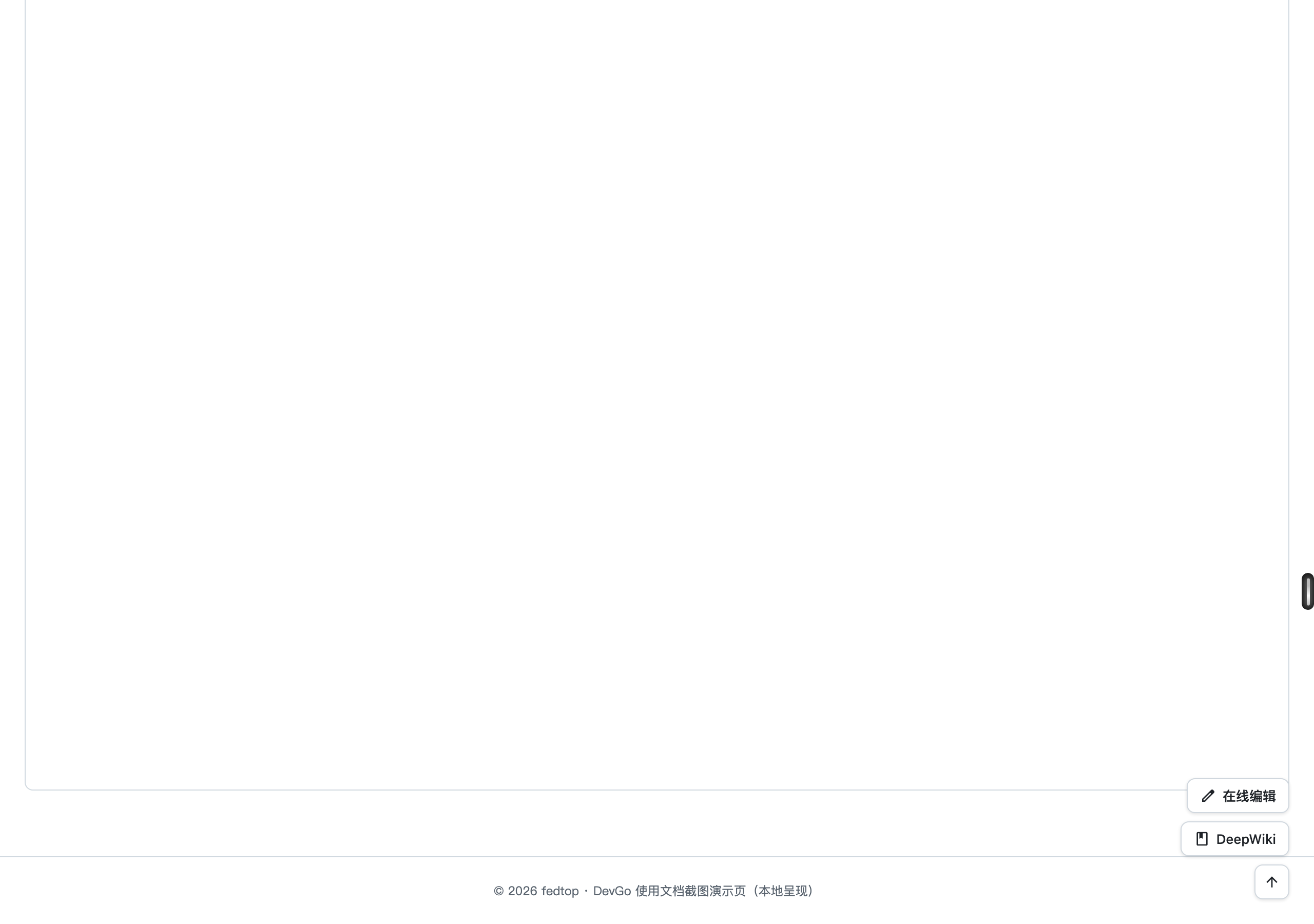
Floating buttons at the bottom right of a GitHub code page: Edit online, DeepWiki, Back to top.
The , shortcut
Press , anywhere outside an input on a GitHub code page to open the current repo path on github1s — same as the "Edit online" button. (This mirrors GitHub's own . for github.dev; , maps to the faster github1s.)
Code stays un-translated
When you translate a page to read a foreign README, code blocks usually get mangled along the way. DevGo marks GitHub code areas as not-to-be-translated, so translation applies to prose only and code stays intact.